Why People Stay on Bad Platforms
I've talked to dozens of tattoo artists and piercers who knew their booking platform wasn't working for them. The interface was clunky, the features were outdated, and better options existed. But they stayed anyway.
It wasn't loyalty. It was fear of starting over.
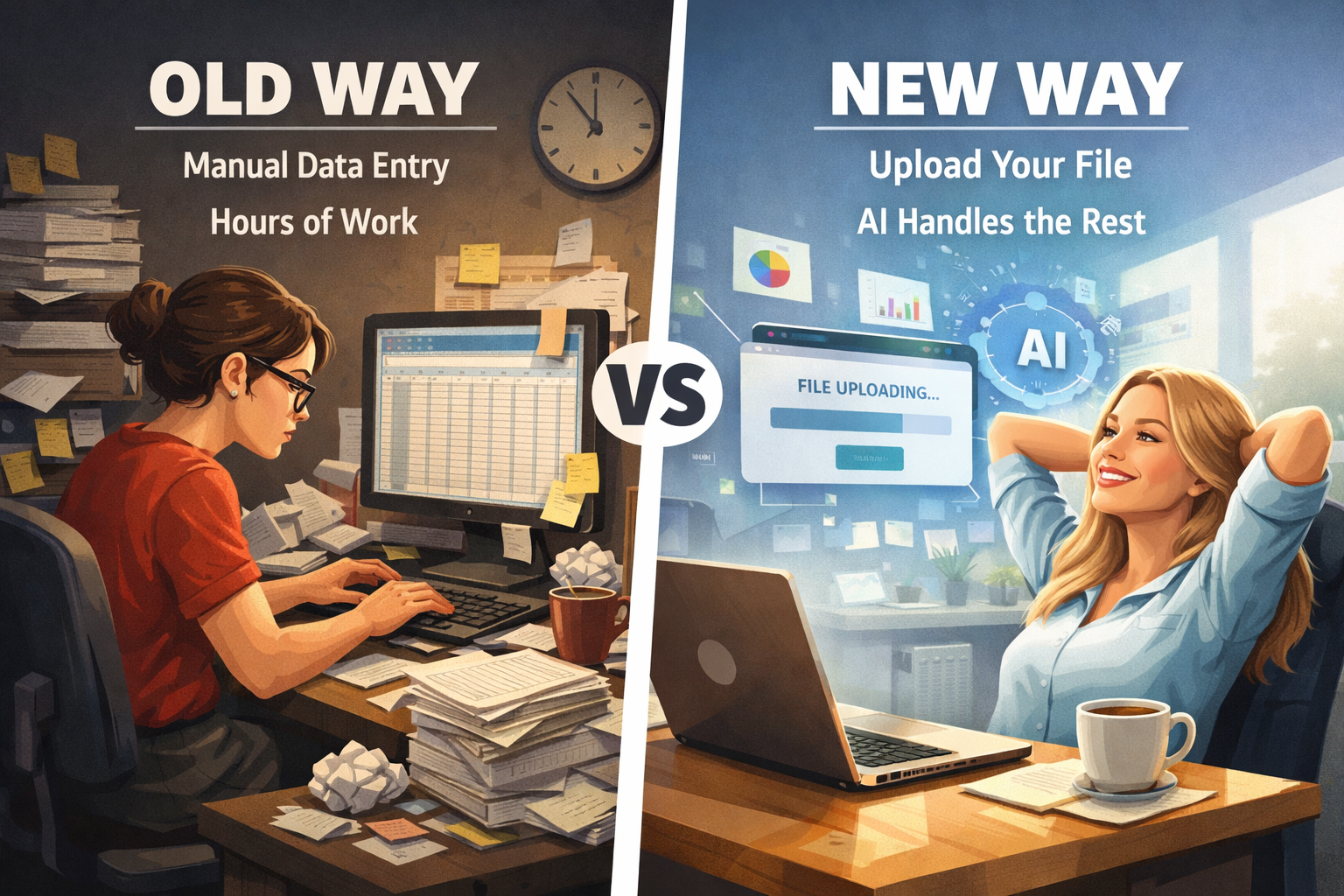
Think about what a busy studio accumulates over a few years: hundreds or thousands of client records with contact details and preferences, years of appointment history that matters for repeat customers, carefully configured services with pricing and duration settings. The thought of manually re-entering all of that keeps people trapped on platforms they've long outgrown.
This is the dirty secret of SaaS retention. Platform lock-in isn't really about features or integrations—it's about the data you'd lose by leaving. Every day you use a platform, you're building a wall that makes it harder to escape.
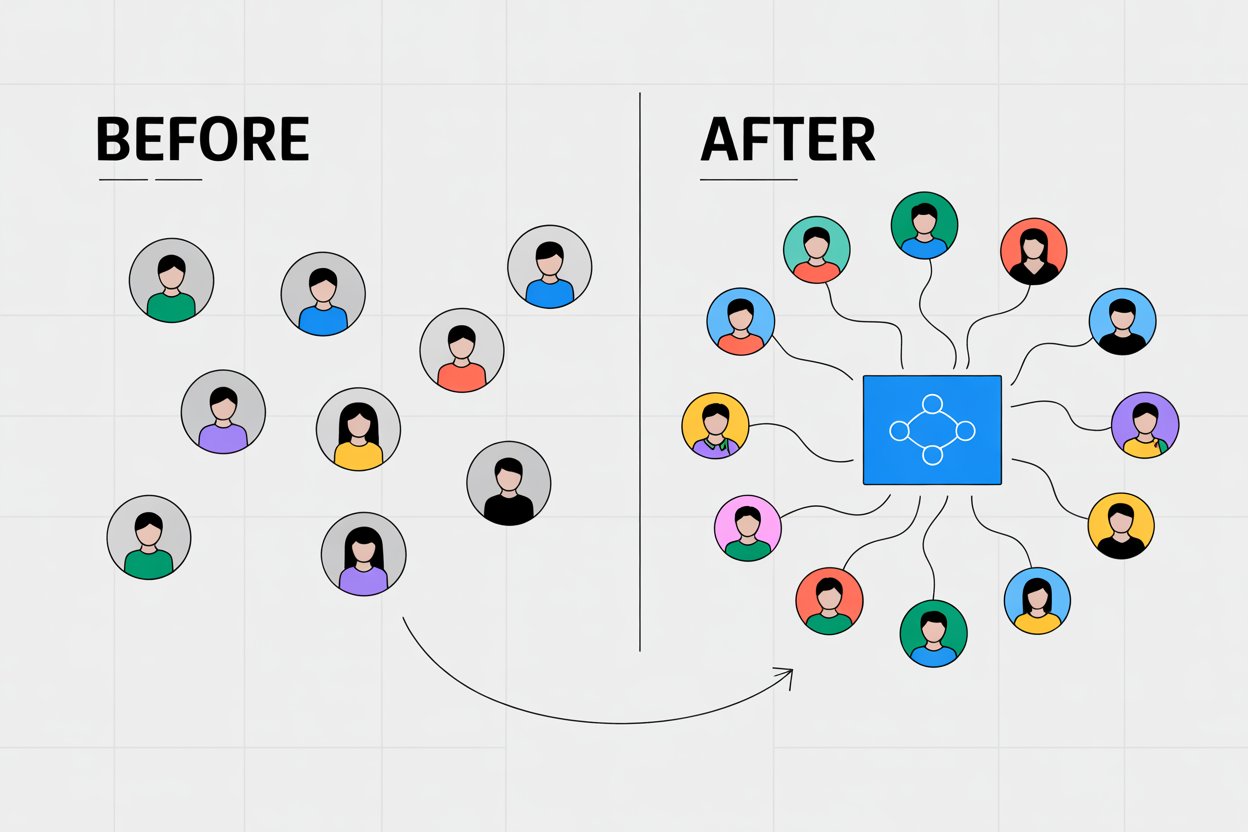
At BooksOpen, we wanted to tear down that wall. What if switching platforms didn't mean starting from zero? What if you could bring your entire history with you, painlessly?
The Chaos of CSV Files
The obvious solution is to let users export their data from the old platform and import it into the new one. Every major booking platform offers CSV exports. Problem solved, right?
Not quite. I spent a week just looking at export files from different platforms, and the inconsistency was staggering.
Shopify exports client names as "First Name" and "Last Name" in separate columns. Square combines them into "Customer Name." Some platforms use "Client" or just "Name." The same data, labeled completely differently.
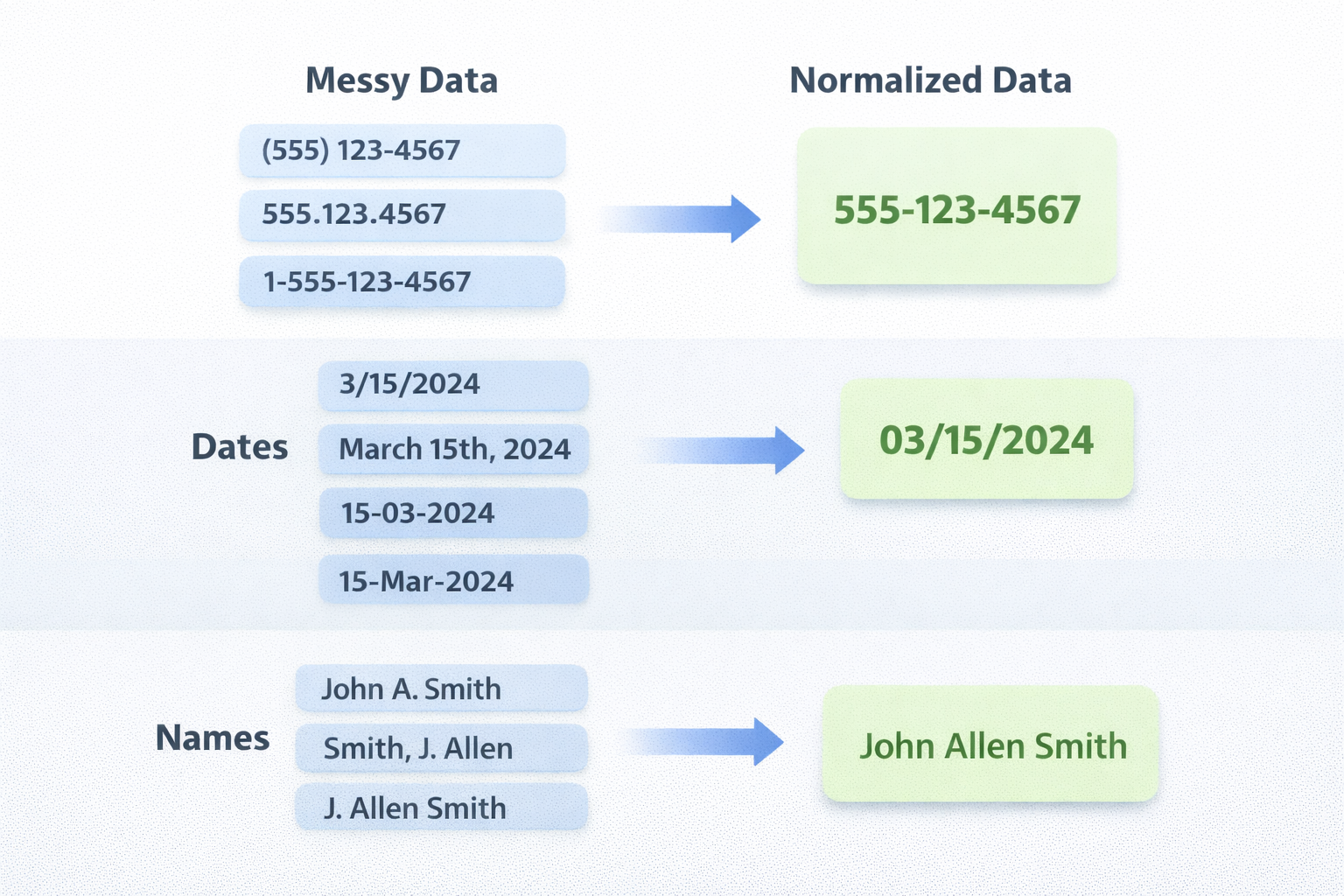
Date formats are another nightmare. American platforms use MM/DD/YYYY. European ones use DD/MM/YYYY. Some use ISO format. Others spell out the month. When you're importing thousands of appointments, getting dates wrong means complete chaos in someone's calendar.
Phone numbers might be the worst offender. I've seen (555) 123-4567, 5551234567, +1 555 123 4567, and 555.123.4567 all representing the same number. Without normalization, you end up with duplicate client records or broken contact links.
Building a traditional import tool would mean writing custom parsers for every platform we wanted to support. Then maintaining those parsers whenever a platform changed their export format. Then handling the inevitable edge cases when users send malformed files. It would be a maintenance nightmare that grew worse with every platform we added.
We needed a different approach entirely.
Letting AI Figure It Out
Instead of teaching our system the rules of every possible export format, we decided to let AI understand the intent behind the data.
The insight was simple: a human looking at a CSV file can usually figure out what each column means, even if they've never seen that specific format before. A column labeled "Customer Name" is obviously client names. A column full of values like "45 min" or "1 hour" is probably service durations. Context and pattern recognition get you most of the way there.
Large language models are remarkably good at exactly this kind of fuzzy interpretation. They can look at column headers and sample data together, understand what the data represents, and map it to a known structure—even when the labels don't match exactly.
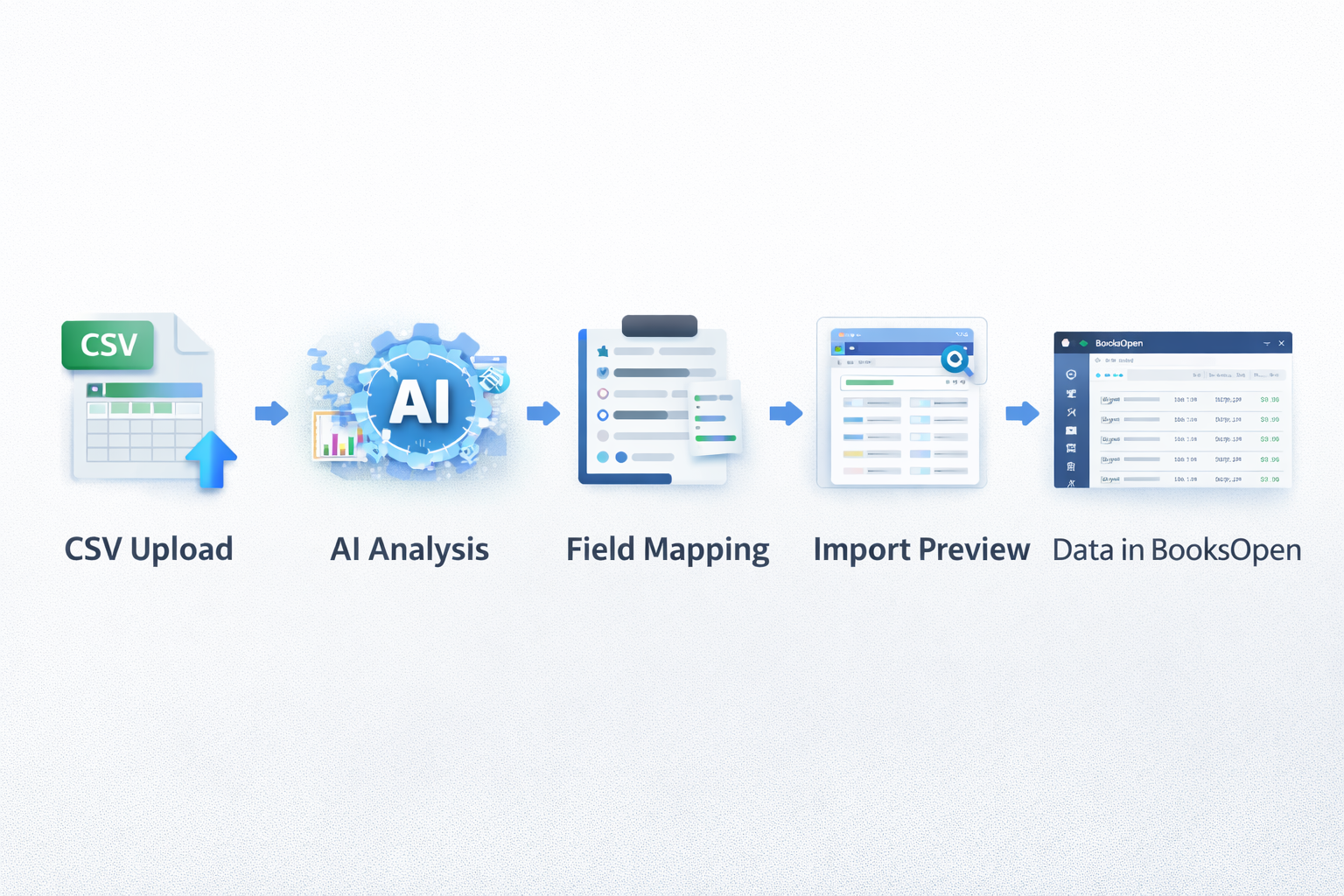
We built our import system using OpenAI's GPT. When a user uploads a CSV or Excel file, the AI analyzes both the headers and a sample of the actual data. It identifies which columns contain client information, which contain service details, and which contain appointment records. Then it automatically maps everything to BooksOpen's data structure.
The user doesn't need to manually match columns. They don't need to specify date formats or phone number conventions. They just upload their file, and the system shows them what can be imported: clients, services, appointments, or any combination. One click, and their data is in BooksOpen.
Teaching the AI to Handle Real-World Messiness
Getting the basic mapping working was surprisingly fast. The harder part was handling all the ways real-world data can be messy, incomplete, or just weird.
The AI needed to understand that "Customer Name," "Client," "Full Name," "Name," and "Cliente" (in Portuguese) all refer to the same thing. It needed to recognize that a column might contain names even if it's labeled something unhelpful like "Column A" or "Field_1"—by looking at the actual data and seeing that it contains values like "Maria Silva" and "João Santos."
Phone number normalization was a significant challenge. Brazilian phone numbers have specific formats, but people enter them in dozens of ways. The AI doesn't just identify which column contains phone numbers; it also normalizes them into a consistent format that works with our SMS notification system. Same with dates—the system detects the format being used and converts everything to our internal standard.
The messiest files come from users who've been manually tracking things in spreadsheets. These often have inconsistent formatting within the same column, missing data in random places, and creative column names that made sense to one person but nobody else. The AI handles these gracefully, making best-effort matches and skipping data it can't confidently interpret rather than failing entirely.
We also had to handle the relationship between different data types. You can't import an appointment without first having the client and service it references. The system detects these dependencies and imports data in the right order, creating the necessary records before linking them together.
Building It in Layers
I've learned to be skeptical of projects that try to solve everything at once. Complex features have a way of revealing hidden requirements that you couldn't have anticipated upfront. The migration tool was no exception.
I started with the simplest possible version: importing only client records. Names, emails, phone numbers—basic contact information. This let me validate that the AI mapping approach actually worked without getting tangled in the complexity of services and appointments.
That first version shipped in about a week. It was immediately useful, and using it in production revealed edge cases I hadn't considered: files with unusual encodings, spreadsheets with merged cells, exports that included columns we didn't need. Each issue taught me something about what the system needed to handle.
Week two added service imports. This was more complex because services have relationships—pricing tiers, duration options, categories. But the patterns I'd established for client imports transferred over. The AI approach scaled naturally to the new data type.
Appointments came last, and they were the hardest. An appointment needs to reference both a client and a service. If those don't exist yet, the appointment can't be created. The import system needed to understand these dependencies, create records in the right order, and match appointments to the correct clients and services even when the identifiers didn't line up perfectly.
By building incrementally, each layer informed the next. I didn't have to guess at requirements—the previous layer's edge cases showed me exactly what the next layer would need.
The Unexpected Result
We launched the import tool expecting it to help new customers migrate from other platforms. That was the whole point, after all—reducing the friction of switching to BooksOpen.
What surprised us was how many existing customers used it.
Within the first month, 15% of our active user base had imported data through the new tool. These weren't new signups. They were people who'd been using BooksOpen for months, sometimes years.
Talking to some of them revealed what was happening. Many had client data stuck in old spreadsheets from before they started using BooksOpen. Others had tried a different platform before us and never fully migrated their history. Some had been manually entering data from paper records and saw the import tool as a way to finally digitize everything.
The migration tool wasn't just for switching platforms. It was for consolidating scattered data into one place. For finally bringing all your business information home.
That insight changed how we thought about the feature. It wasn't just an acquisition tool—it was a retention and engagement tool. The more of your data lives in BooksOpen, the more valuable the platform becomes.
What I'd Tell Someone Building Something Similar
If there's one lesson from this project, it's that AI is remarkably good at understanding intent.
Traditional data import tools try to handle variety through explicit rules: "if the column is named X, map it to field Y." This approach is brittle. It breaks whenever you encounter a format you didn't anticipate, and it requires constant maintenance as source platforms change.
The AI approach inverts this. Instead of encoding rules, you give the model examples of what you're looking for and let it figure out how to find that in whatever format it encounters. It's fuzzy matching at scale, and it works far better than I expected.
The other lesson is about incremental development. I could have spent weeks planning every edge case before writing code. Instead, I shipped the simplest useful version in a week and let real usage guide what came next. The complex cases revealed their requirements as I went—I didn't have to guess at them upfront.
This isn't about moving fast and breaking things. It's about recognizing that complex systems have emergent requirements that only become visible when you start building. The faster you get something real in front of users, the faster you learn what actually matters.